Bring your files together.
Upload individual files or import them in batches. Store PDFs, Word documents, text files, spreadsheets in CSV format, and more.
N3XRA Records
Your files, meeting notes, and public records in one connected workspace.
Find the document you need, turn meeting materials into useful records, and share the right information with your team or your community.
Your library, within reach
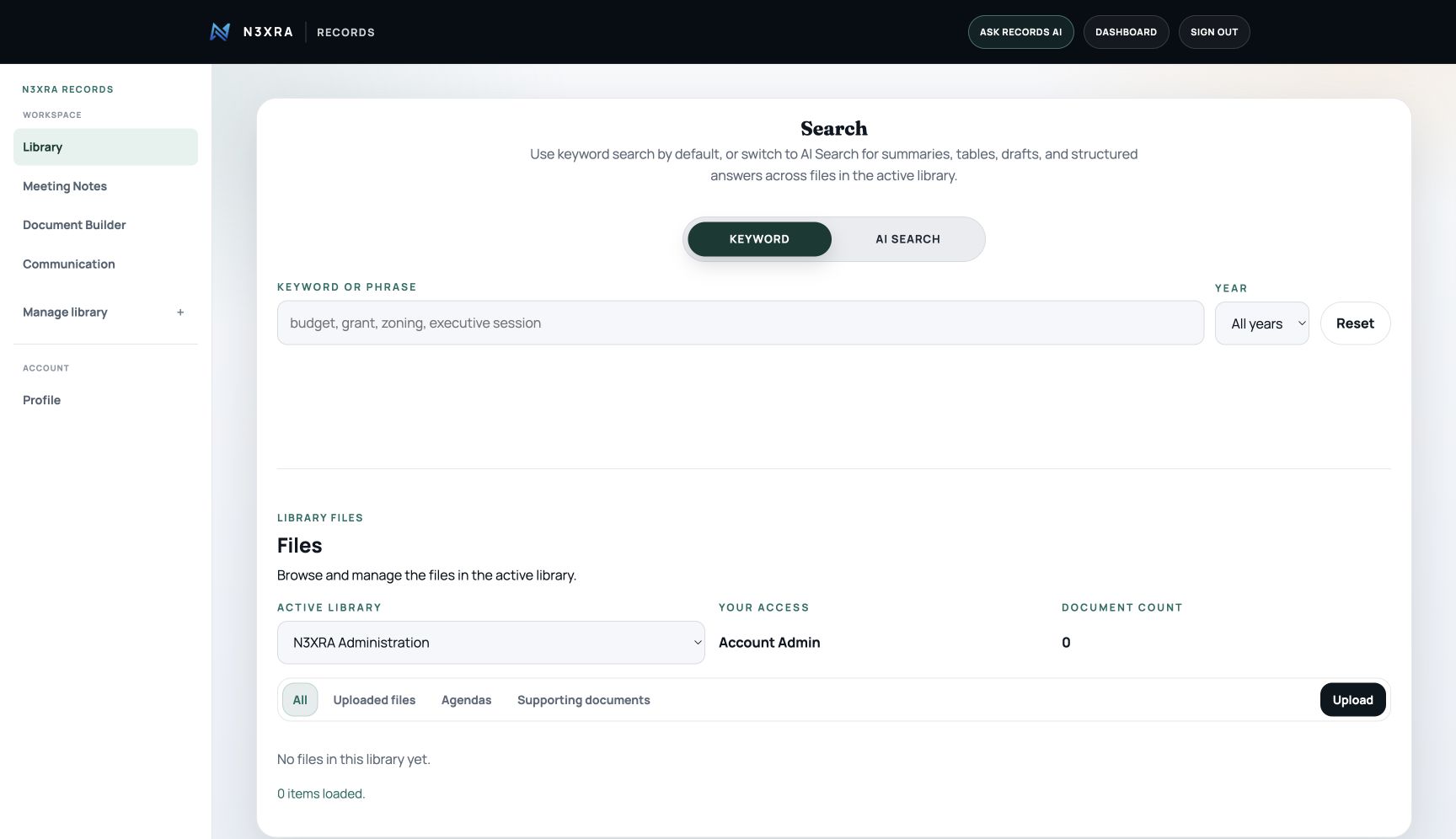
Keep uploaded files and generated documents in an organization library, with search and access controls in the same workspace.
Upload individual files or import them in batches. Store PDFs, Word documents, text files, spreadsheets in CSV format, and more.
Find matches in extracted text, titles, filenames, dates, and saved AI notes. Scanned PDFs need OCR before their contents can be searched.
Preview, open, and download records. Use AI Search for summaries, tables, drafts, and structured answers across the active library.
From discussion to document
Work with audio, transcripts, supporting notes, and editable documents, then prepare a PDF for sharing.
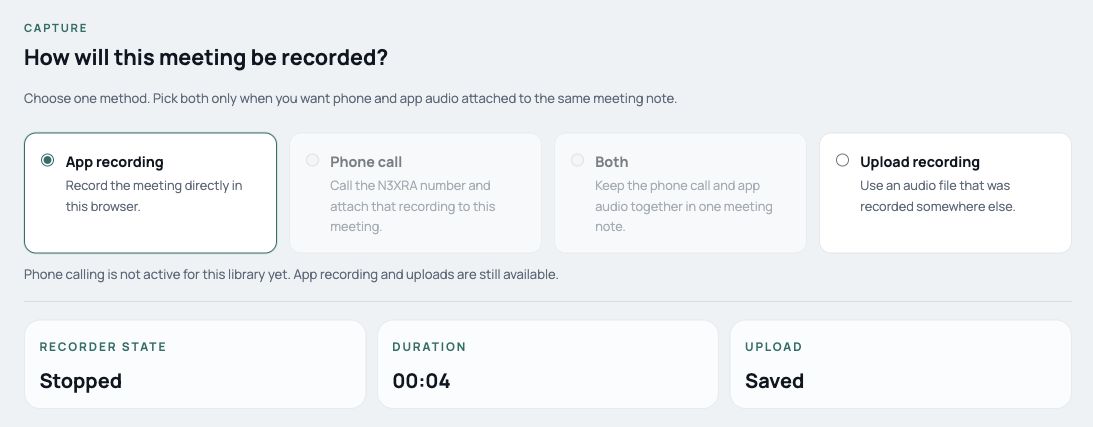
Use phone, app, or uploaded audio in the meeting workspace. Keep the transcript with the meeting materials.
Compare supporting notes with the transcript and review suggested additions before finalizing the record.
Work from an editable document, generate a PDF, and choose what to share or publish.
The demo uses the Records interface with sample data and simulated AI and delivery. Screenshots on this page show the live product.
Make the record your own
Write and format documents in Document Builder. Review their status, preview a PDF, and prepare them for sharing.
Open Document Builder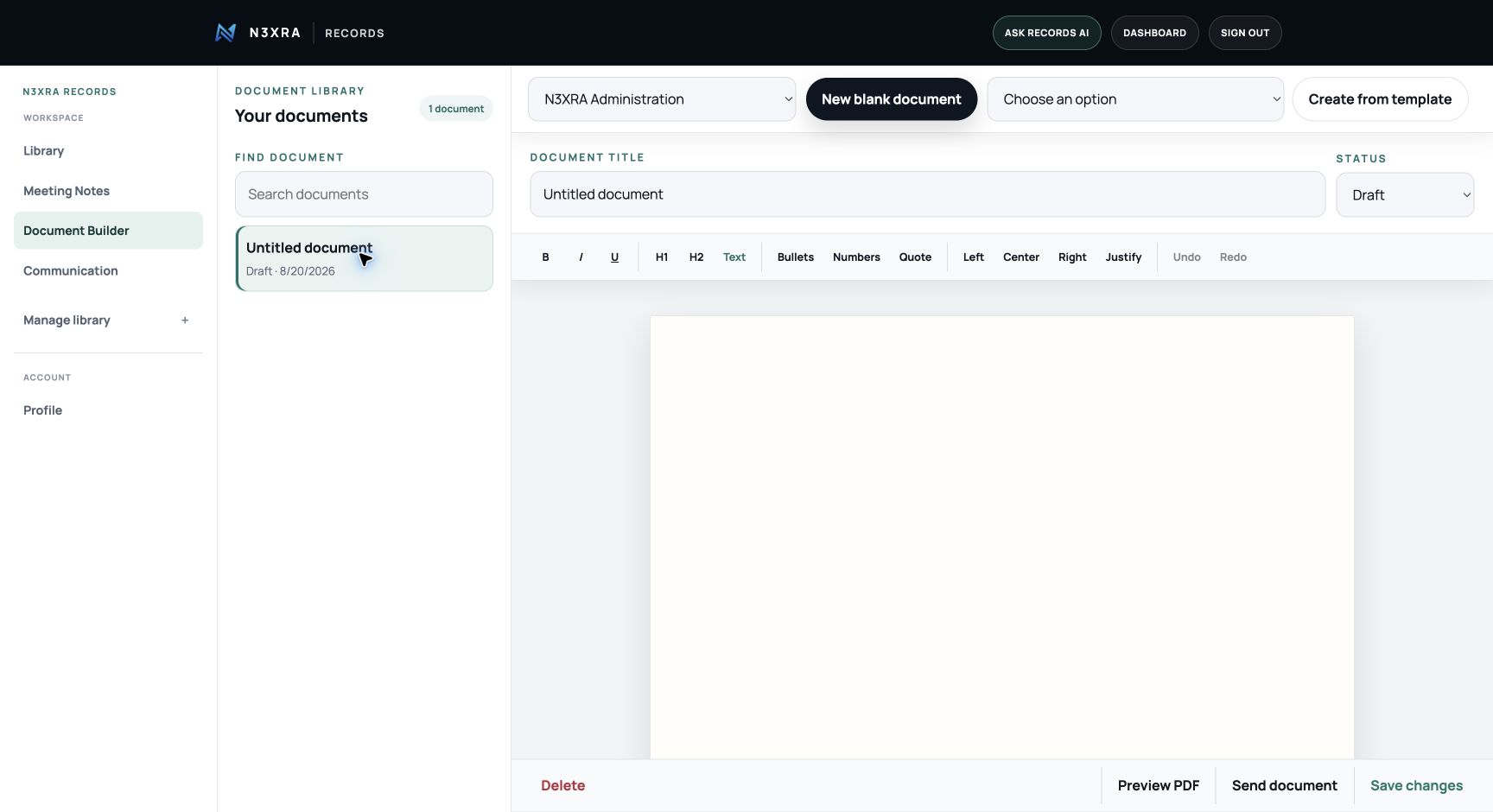
Part of your N3XRA website
Organization libraries can publish selected records to a hosted public page or an embedded view. N3XRA can include that experience in a website we design, build, and host for you.
Discuss your websiteYour team works with internal files, draft documents, and meeting materials through its assigned library access.
Visitors can search, view, and download the records you mark public in a library with public access enabled. Internal files stay separate.
Use a dedicated public records address or add the records view to an existing website. Your library remains the place where you manage the records.
Shared access, clearly defined
Records are private by default. Organization membership and assigned roles control access to files, documents, recordings, and contacts.
Controls billing, plan changes, and ownership decisions.
Manages access, invite codes, settings, and daily administration.
Uploads, edits, deletes, downloads, and shares library files.
Reads, downloads, and shares files without editing or admin controls.
Access is enforced by the service. Publishing a record is a separate choice from sharing it inside your organization.
Room to grow
Start small, then move up when you need more documents, storage, public records tools, and shared access.
A private records library for trying the core workflow.
For solo operators and small offices that need a real working archive.
For teams that need shared records, publishing tools, and public access.
See it for yourself
Explore the sample workflow, or open your library and get back to work.